
Is Your Website Running an Unsupported PHP Version? Risks and Upgrade Options
Your website might look perfectly normal, load quickly and process customer enquiries or online orders without any obvious problems. However, behind the scenes, it could be running an outdated version of PHP that no longer receives official security updates.
Thousands of business websites rely on PHP, including those built using WordPress, WooCommerce, Magento and bespoke content management systems. While these websites can continue functioning for years, the technology supporting them needs regular maintenance to remain secure and compatible with modern software.
If your website is still running PHP 7.4, 8.0, 8.1 or an even older version, it’s time to consider your upgrade options.
In this article, we explain why unsupported PHP versions present a potential security risk, how to check which version your website uses and what to do if upgrading causes compatibility problems.
What Is PHP and Why Does Your Website Need It?
PHP is a server-side programming language used to generate dynamic website content and power many of the functions visitors interact with.
For example, PHP may be responsible for processing contact forms, managing customer accounts, retrieving product information, handling shopping baskets and communicating with databases.
Popular website platforms such as WordPress, WooCommerce and Magento rely extensively on PHP, alongside thousands of plugins, extensions and custom-built applications.
Like operating systems and other software, PHP is regularly updated to address bugs, improve performance and resolve security vulnerabilities.
However, each PHP release has a limited support lifecycle. Once that period ends, the PHP development team stops providing official security updates for that version.
Which PHP Versions Are No Longer Supported?
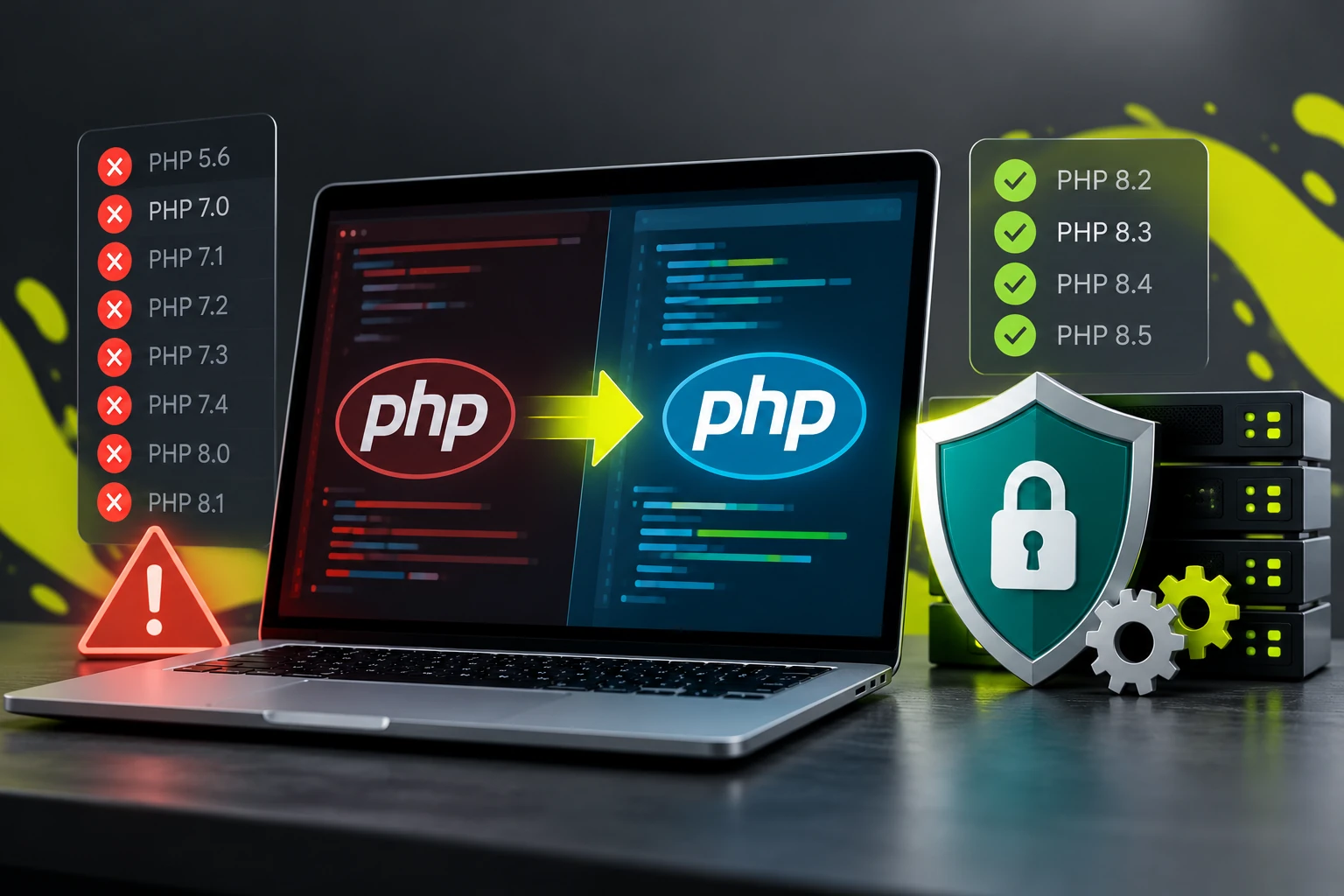
As of October 2026, several PHP versions that remain in use on older websites have reached their official end of life.
| PHP Version | Official Security Support Ended |
|---|---|
| PHP 5.6 | 31 December 2018 |
| PHP 7.0 | 10 January 2019 |
| PHP 7.1 | 1 December 2019 |
| PHP 7.2 | 30 November 2020 |
| PHP 7.3 | 6 December 2021 |
| PHP 7.4 | 28 November 2022 |
| PHP 8.0 | 26 November 2023 |
| PHP 8.1 | 31 December 2025 |
PHP 8.2, 8.3, 8.4 and 8.5 remain within their official security support periods as of October 2026.
Some hosting providers offer extended security maintenance for older PHP releases. However, this depends on the provider and does not necessarily address vulnerabilities in outdated website applications, plugins or custom code.
If your website is running an unsupported PHP version without appropriate extended security maintenance, it may be exposed to vulnerabilities that will never receive an official fix.
What Are the Risks of Running an Unsupported PHP Version?
1. Unpatched Security Vulnerabilities
When vulnerabilities are discovered in supported PHP versions, security fixes can be developed and released.
Once a PHP version reaches its end of life, newly discovered vulnerabilities generally won’t receive official fixes for that version.
Depending on the nature of the vulnerability and the website’s configuration, attackers may be able to exploit weaknesses to access information, interfere with website functionality or compromise the server.
Running an unsupported PHP version does not automatically mean your website is vulnerable to every known PHP exploit, but it increases the difficulty of maintaining a secure environment.
2. Risks to Customer and Business Information
Websites that collect customer details, store orders or provide user accounts require particular attention.
An outdated PHP environment, especially when combined with vulnerable application code or outdated third-party components, can increase the risk of unauthorised access or data exposure.
For businesses processing personal information, maintaining appropriate technical security measures is also an important consideration under UK data protection requirements.
3. Compatibility Problems With Modern Software
Website platforms, plugins and extensions gradually discontinue support for older PHP versions.
This can prevent you from installing important security updates, upgrading your content management system or using newer software features.
Over time, your website can become increasingly difficult and expensive to maintain.
4. Performance and Reliability Limitations
Newer PHP releases often include improvements in performance, memory management and language functionality.
Older versions may miss these improvements, although the actual performance benefit of upgrading depends on the application and hosting environment.
5. Increasing Maintenance Costs
The longer a website remains on outdated technology, the more complicated an eventual upgrade can become.
Multiple software versions may need updating, custom code may require modification and replacement extensions may be necessary.
Addressing compatibility issues before they become critical can reduce the risk of expensive emergency development work.
How Can You Check Which PHP Version Your Website Uses?
There are several ways to identify your website’s PHP version.
WordPress Websites
If you can access your WordPress administration area, navigate to:
Tools → Site Health → Info → Server
The server information section displays the PHP version currently used by WordPress.
WordPress Site Health may also highlight outdated PHP versions or other configuration issues.
cPanel Hosting
If your website uses cPanel, look for MultiPHP Manager, Select PHP Version or a similarly named PHP configuration tool.
The available options depend on how your hosting provider has configured the server.
These tools can usually show the PHP version assigned to your website.
Other Hosting Platforms
Many hosting providers display the active PHP version within their website or server settings.
If you cannot locate this information, your hosting provider should be able to confirm which PHP version your website is running.
Bespoke PHP Websites
For custom-built PHP applications, the active PHP version can be checked through the hosting environment or server command line.
A developer can also examine the application to identify the PHP version it currently requires.
Important: Don’t change the PHP version on a live website simply to see whether a newer version works. An incompatible upgrade can cause immediate website errors or disrupt essential functionality.
Why Can’t I Simply Upgrade PHP?
For modern, regularly maintained websites, a PHP upgrade may be relatively straightforward.
However, older websites can depend on programming functions, libraries and third-party software that have changed or been removed from newer PHP releases.
For example, a website originally developed for PHP 7.2 may rely on functionality that no longer exists in PHP 8.
Changing the PHP version without updating the application can cause errors, including:
- Website pages failing to load.
- Contact forms or customer logins no longer working.
- Shopping baskets and checkout processes failing.
- Plugins or extensions generating fatal errors.
- Database connections or integrations becoming incompatible.
These problems don’t necessarily mean the website must be replaced. In many cases, existing software can be updated or custom code modified to work with a supported PHP version.
The important step is identifying the compatibility issues before changing the live environment.
What If Your Website Only Works on an Older PHP Version?
If your website cannot operate on a supported PHP version, there are several possible approaches.
Update the Existing Website Software
For WordPress and other established content management systems, updating the core application, themes and plugins may resolve many PHP compatibility problems.
However, older installations may require a staged upgrade, particularly when significant differences exist between the current and target software versions.
Modify Legacy PHP Code
Bespoke websites may require changes to deprecated functions, database connections, error handling or other programming techniques.
A developer can assess the existing application and determine whether it can be adapted to work with a newer PHP version.
This can be particularly useful where the website provides specialised functionality that would be expensive to recreate.
Replace Unsupported Components
Sometimes an outdated plugin, extension or software library is the main obstacle preventing an upgrade.
Replacing that component with a maintained alternative may provide a practical solution, provided existing functionality and data can be preserved.
Consider Partial or Complete Redevelopment
Where an application is extremely outdated, poorly maintained or dependent on numerous unsupported components, redevelopment may offer better long-term value.
However, replacing an entire website shouldn’t automatically be the first option. A technical assessment can establish whether upgrading the existing system is practical.
Use Temporary Risk-Reduction Measures
If an immediate upgrade is not possible, temporary measures such as restricted access, additional monitoring, application firewalls and supported extended PHP maintenance may help reduce exposure.
These measures are not equivalent to upgrading to a supported software environment and should form part of a documented remediation plan.
Can You Keep an Old PHP Website Secure Without Upgrading?
Additional security controls can help reduce risk, but they cannot guarantee that an unsupported PHP installation is secure.
For example, Cloudflare or another web application firewall may block certain malicious requests, but it cannot resolve vulnerabilities within the underlying PHP application.
Similarly, restricting access to a website may reduce its exposure, but vulnerabilities in publicly accessible functionality or other server components can still present risks.
A website that only displays static content may have a different risk profile from an online store that processes orders and maintains customer accounts.
However, even a relatively simple PHP website should be assessed before assuming that its outdated software presents little risk.
Where possible, the preferred long-term approach is to move to a supported PHP version and maintain the application software alongside it.
How to Upgrade PHP Without Breaking Your Website
A planned PHP upgrade should involve more than changing a setting in your hosting control panel.
A typical upgrade process includes:
1. Review the Existing Environment
Identify the current PHP version, website software, server configuration and application dependencies.
2. Create a Reliable Backup
Back up website files, databases and relevant configuration settings before making changes.
3. Establish a Staging Environment
Where practical, create a separate copy of the website so changes can be tested without affecting visitors.
4. Update Software and Resolve Compatibility Issues
Upgrade supported components, replace outdated dependencies and modify incompatible code.
5. Test Important Website Functions
Check forms, user accounts, checkout processes, payment integrations, administrative functionality and other business-critical features.
6. Deploy and Monitor
Introduce the changes to the live website using a planned deployment process, with appropriate rollback arrangements and post-upgrade monitoring.
For older websites, the process may involve several intermediate software updates before reaching the intended PHP version.
When Should You Get Professional Help?
If your hosting provider has warned you about an unsupported PHP version, your website stops working when PHP is updated, or you are unsure whether your software is compatible with modern PHP releases, a professional assessment is a sensible starting point.
This is especially important for e-commerce websites, bespoke applications and websites that store customer information.
An assessment can identify which components require updating, whether custom development is necessary and how the upgrade can be completed with minimal disruption.
Need Help Upgrading Your Website’s PHP Version?
At iDigLocal, we help businesses upgrade outdated PHP websites, resolve compatibility problems and modernise legacy applications.
Our experience includes WordPress, WooCommerce, Magento and bespoke PHP development, allowing us to assess both the hosting environment and the website software itself.
Whether your website requires a straightforward update or extensive compatibility work, we can help identify a practical upgrade pathway.
Find out more about our PHP Upgrade & Website Security Services, or contact us to request a PHP Compatibility & Security Assessment.