
Woocommerce Google Merchant Feed
We have developed a versatile plugin to generate a Woocommerce Google Product feed from your website. For advertising your woocommerce products for free on Google or as part of a Google Ads shopping campaign the easiest solution is to link your Google Merchant account to an automatically generated product feed on your website.
Google Merchant Feed Plugin Features
The plugin is designed to be versatile to enable e-commerce site owners to generate a suitable data feed that fits best with their product catalogue and makes use of Google Merchant product data structure.
- Daily Scheduled Prodcut Feed Generation
- Global feed settings as well as settings for various product Defaults and fallbacks.
- Wocommerce to Google Category Mapping.
- WC Category specific Google Fields and Custom Labelling mapping (use static values or WC attributes).
- Variable Product handling (use Parent or individual variations).
- Product level content overrides including excluding from field.
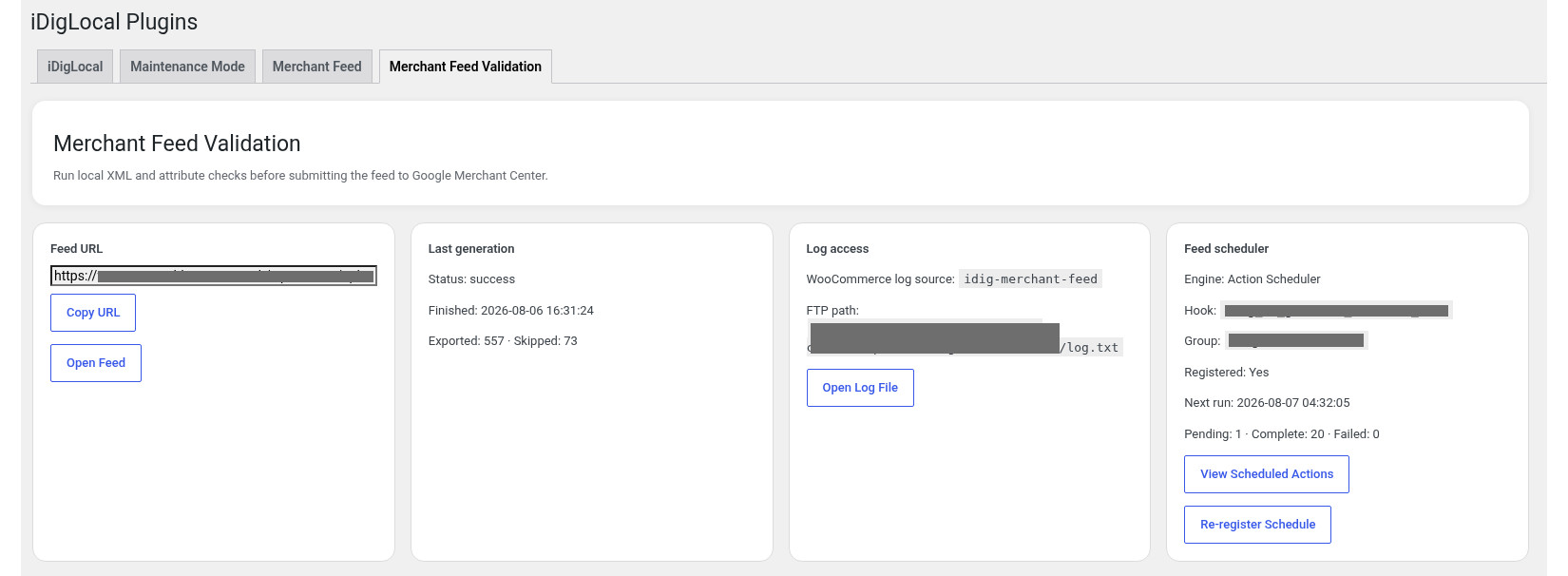
- Merchant Feed validation with Generation Log of failures/exclusions.
How to advertise your Woocommerce products on Google Shopping
In order to advertise the products from you Woocommerce WordPress website you will need to sign up to Google Merchant. And if you wish to use Google Pay per Click advertising you will also need a Google Adwords account.
The Google Merchant account is where you will manage your products for Google Free shopping adverts or its Google Shooping Ads campaigns. You will need to fill out your company profile and also information with regards to your returns policy and shipping policy.
When it comes to the products themselves you will need to add a data source. Now it is possible to import your products from a spreadsheet but this obviously adds an additionally step. It is also possible to allow google to add products itself by trawling it. However with the google generated products we have found this to be extremely unreliable and the data that it collects is generally limited so you are not able to manage easily apart from editing the individual products in the merchant centre. It is for these reason why the Google Product generator plugin was developed.
With the plugin you can simply add a url (copy it from our plugins dashboard) as the source of the data for your products. Tell it to check once a day (after the scheduled feed generation time so it gets the latest one for that day). And that’s it. It will take a little bit of time for google to import them and start showing them (there is still a review process) but once thats done you products are now available to appear on google shopping.
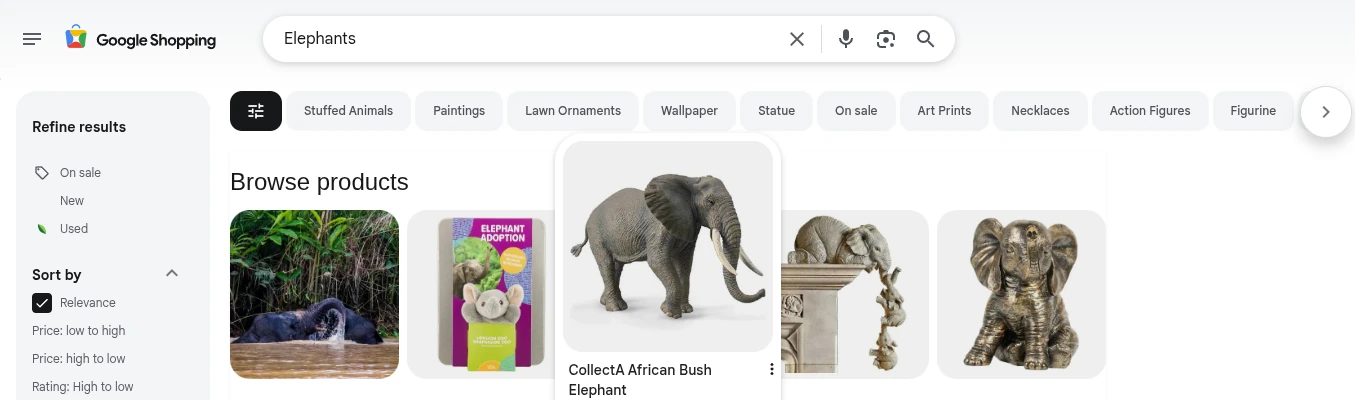
If you don’t see a feature you need then please get in touch we are happy to do customisation and also your needs may make a great addition to this highly productive wordpress woocommerce plugin.
Woocommerce WordPress Plugin for Google Shopping details
So the WordPress plug-in makes it very easy for you make the most of Google shopping, There is no need to manually add your new products either to your Google Merchant account, or using a spread sheet or rely on Google’s ability to accurately describe your products.
The plug-in will automatically update the xml page at a specific schedule, say 03:00 in the morning after you have added new products the day before. You can then schedule to your Google Merchant account to re-insert your products at say 04:00 so that it is all refreshed for the next days advertising. All you need to do is concentrate on managing your products on your website. This keeps your website the master for all your product data.
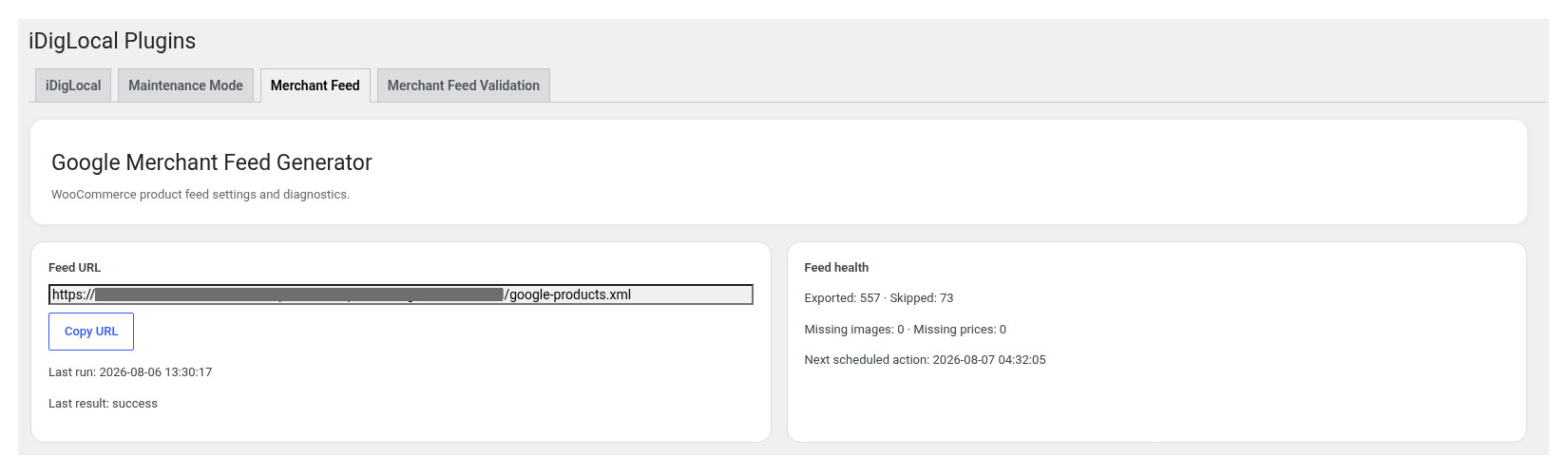
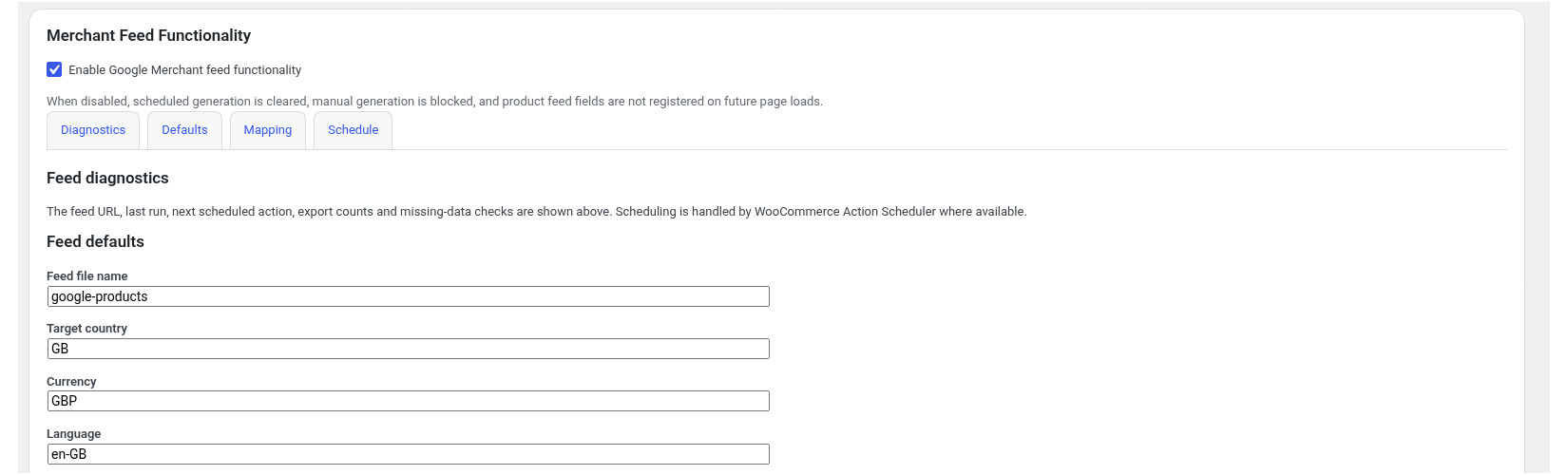
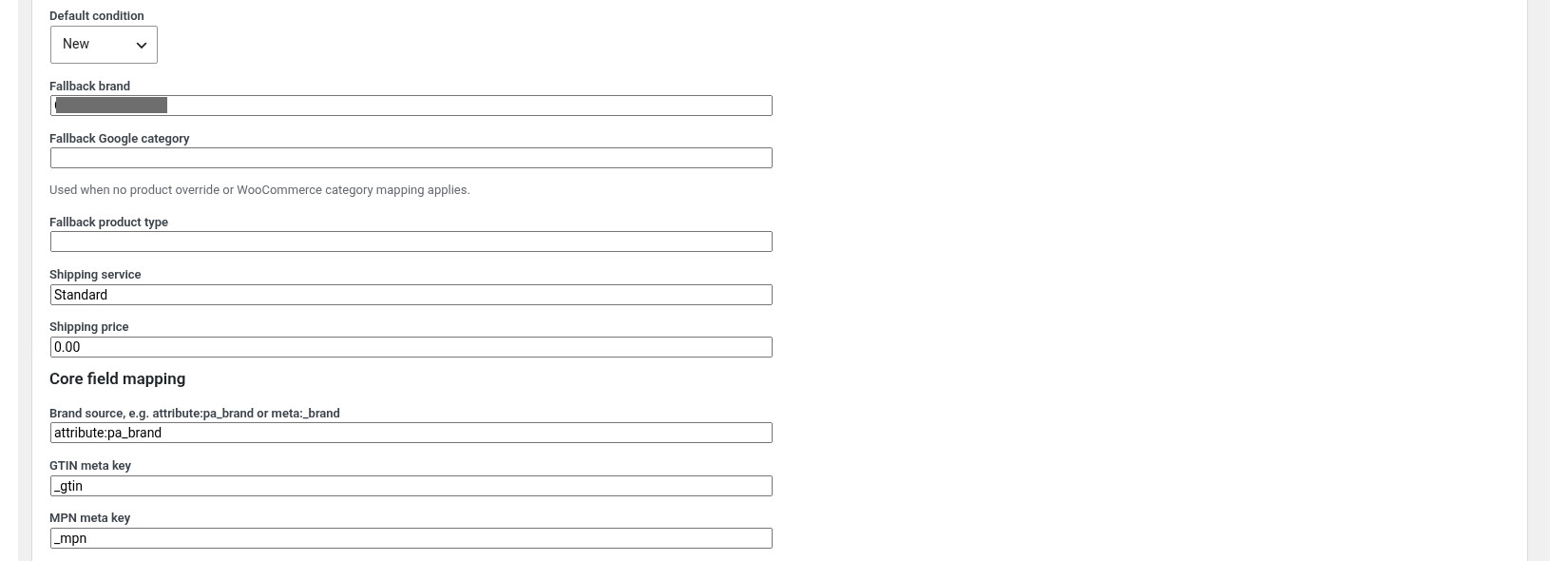
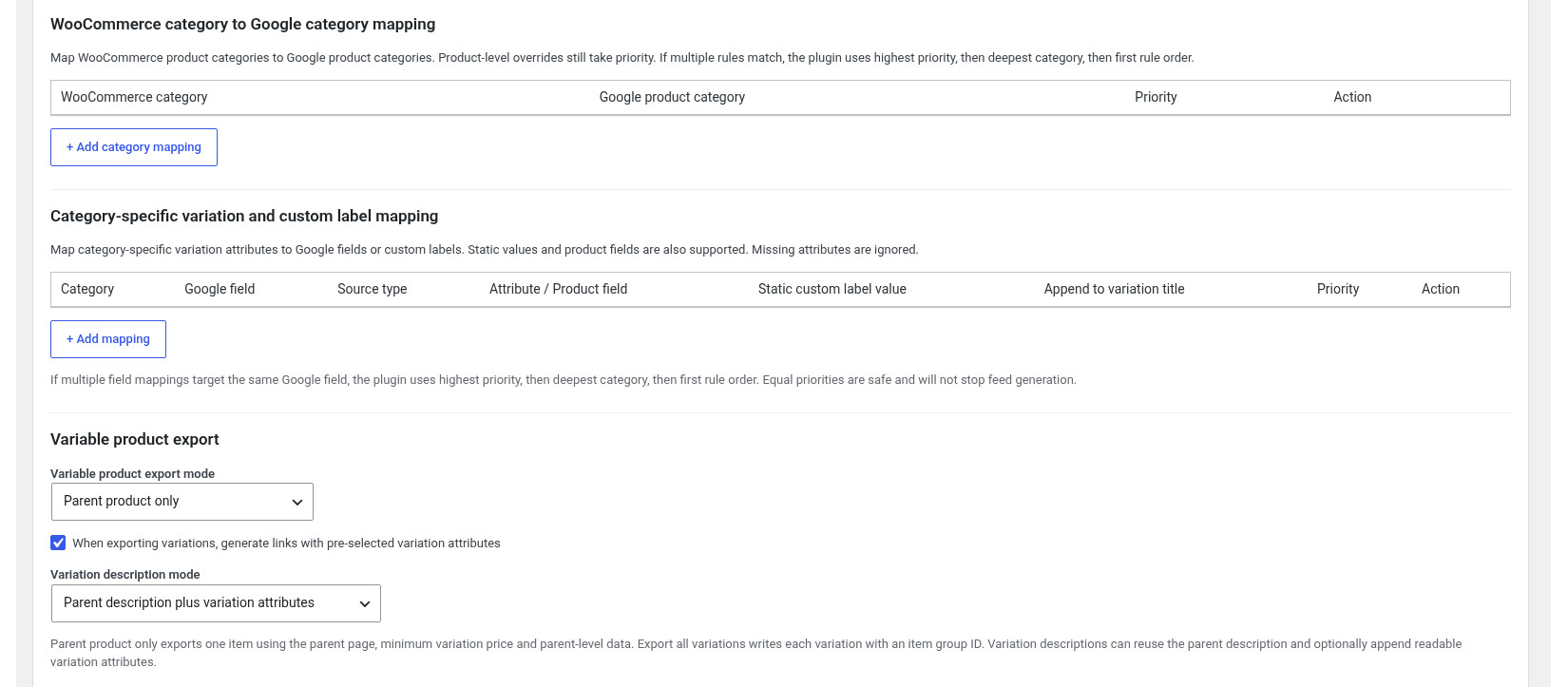
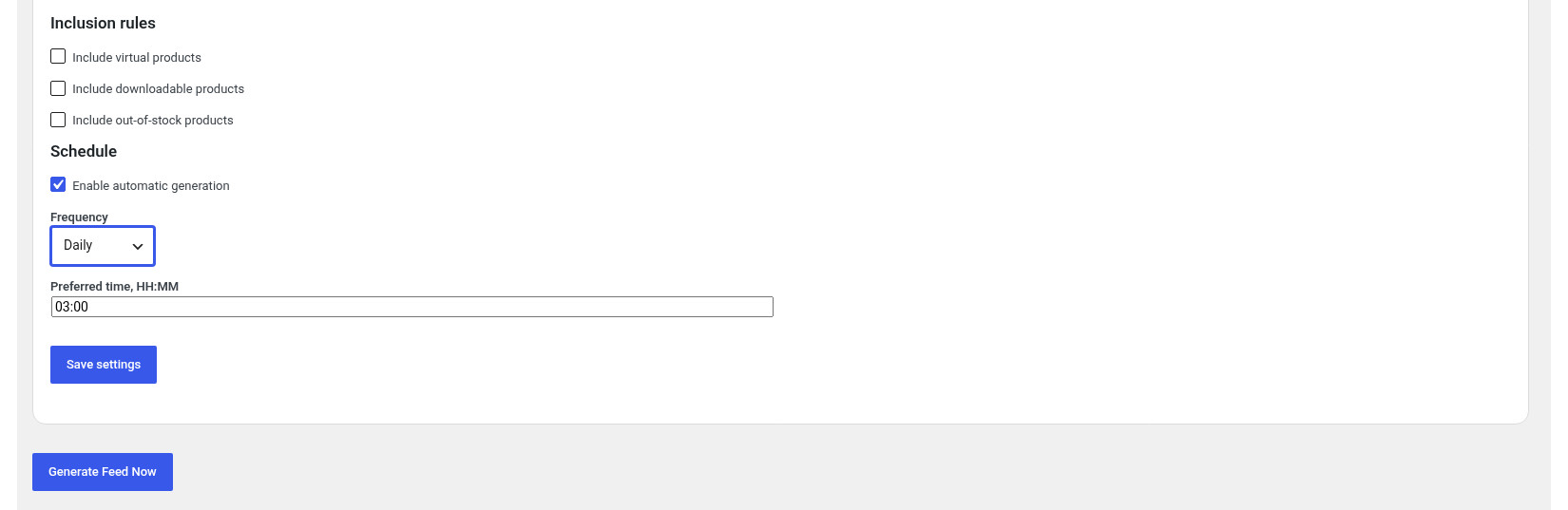
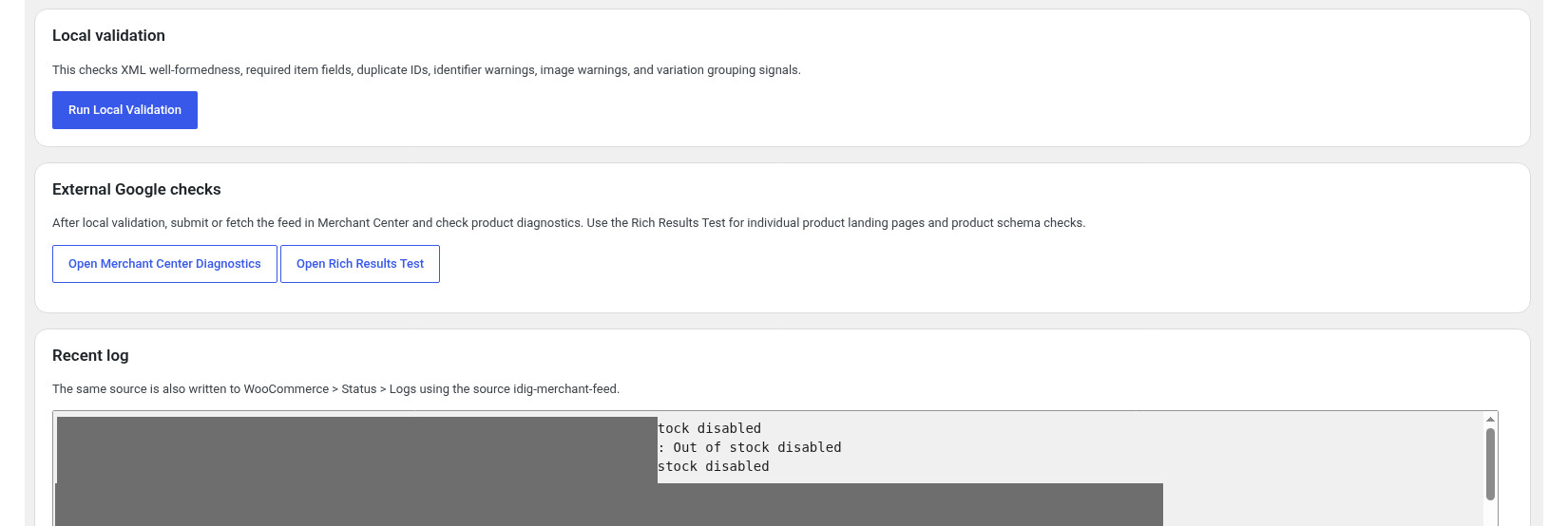
It doesn’t take much time to set up. You can review the various setting available in the images above. For optimum performance you should take time to set up the Woocommerce to Google category mappings. Additionally your can use the second Mappings section to assign woocommerce attributes or even static values to Google fields and customs labels. Some of these fields are required by google depending on the category that your products fall under.
Custom labels are also very useful especially for running Google Ads as you can create specific ad campaigns and limit by product custom label.